

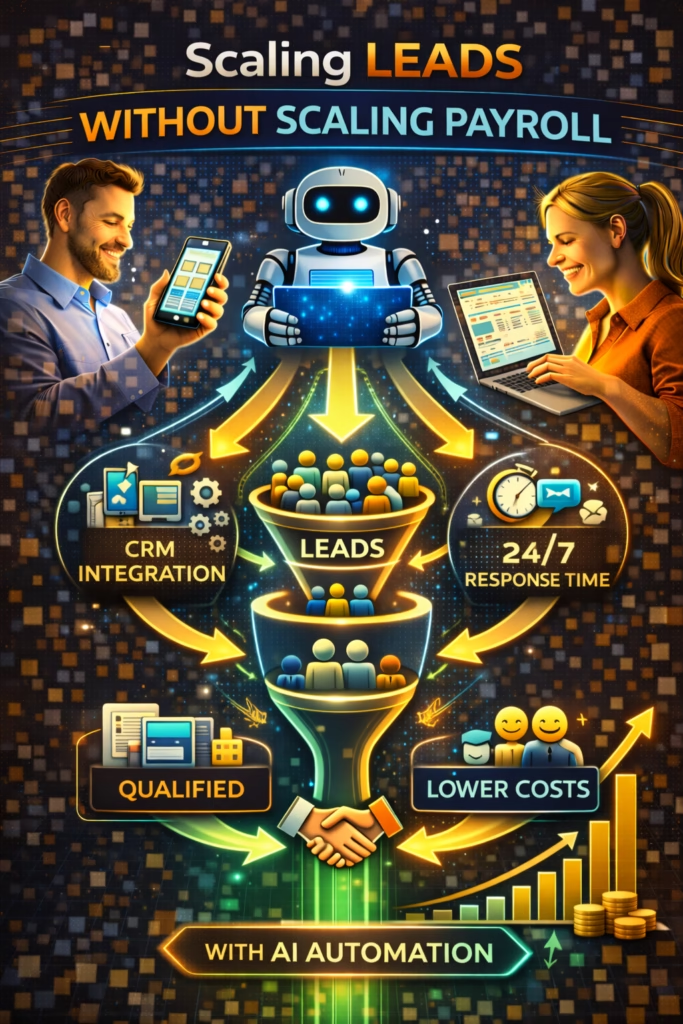
Scaling Leads Without Scaling Payroll
Scaling Leads Without Scaling Payroll is the modern approach to growing pipeline and revenue without adding headcount—by using automation to reply instantly, qualify consistently, and follow up relentlessly.
Note: This is general guidance. Ensure automated messaging follows platform rules and applicable privacy/consent requirements.
Introduction
Scaling Leads Without Scaling Payroll is not a theory. It’s a necessity.
Most businesses hit a painful ceiling: lead volume increases, but conversion drops because the team can’t keep up. The inbox fills, response time slows, follow-up slips, and the very demand you worked so hard to create gets wasted.
The answer is not always “hire more people.” The answer is to stop treating lead handling like an informal task and start treating it like a system. When your system is built correctly, your current team can handle significantly more leads—because the repetitive work is automated and the high-trust work is protected.
Big idea: Most payroll growth is a response to process failure, not true workload.
Expanded Table of Contents
- 1) Why lead growth usually forces payroll growth
- 2) The leverage model: what AI should do vs humans
- 3) Speed-to-lead: the cheapest “conversion upgrade”
- 4) AI inbox triage: protect hot leads first
- 5) Qualification and routing that scales
- 6) Follow-up SOPs that recover lost revenue
- 7) Marketplace-driven demand: high volume, high opportunity
- 8) CRM hygiene: tags, stages, and handoffs
- 9) KPIs that predict scalable lead handling
- 10) Payroll vs automation ROI math
- 11) Scripts and templates (copy/paste)
- 12) 30–60–90 day rollout plan
- 13) 25 Frequently Asked Questions
- 14) 25 Extra Keywords
1) Why lead growth usually forces payroll growth
Lead growth forces payroll growth when your business relies on humans for every step of lead handling.
The usual failure pattern
- Marketing increases lead volume
- Inbox response time slows down
- Hot leads stop replying
- Bookings drop, despite more interest
- Leadership hires to “fix it”
Truth: Hiring often happens because the system is missing automation and routing—not because demand is truly unmanageable.
2) The leverage model: what AI should do vs humans
Scaling Leads Without Scaling Payroll works when you assign the repetitive tasks to AI and reserve the high-trust steps for humans.
| Automate (AI-managed) | Keep human (high-trust) |
|---|---|
| Instant replies | Complex objections |
| FAQ responses | Negotiation and closing |
| Qualification (one question at a time) | Consulting and recommendation |
| Routing (right offer, right person) | Relationship-based follow-through |
| Follow-up cadence | Final confirmation and payment |
Rule: Humans should enter when the lead is qualified and ready for a next step.
3) Speed-to-lead: the cheapest “conversion upgrade”
Before you hire anyone, reduce your response time. It’s the fastest path to more conversions without increasing spend.
What speed improves
- Conversation rate (more leads actually reply)
- Booking rate (more next steps scheduled)
- Close rate (less shopping drift)
- Staff efficiency (less chasing)
Target: Under 5 minutes is good. Under 1 minute is best.
4) AI inbox triage: protect hot leads first
The first scaling move is not “answer everything.” It’s “answer the best leads instantly.”
High-intent signals
today this week available delivery financing deposit application tour book zip
Priority routing model
| Priority | Definition | Response |
|---|---|---|
| Hot | Specific timeline/location/next step | Immediate options + booking |
| Warm | Interested but vague | One qualifier question |
| Cold | Non-responsive or generic | Nurture + follow-up cadence |
Pro move: AI should tag and route leads before humans even open the inbox.
5) Qualification and routing that scales
Qualification should be lightweight and consistent. One question at a time prevents drop-off and increases reply rate.
Best one-question filters
- Timeline: “Are you looking to do this today, this week, or later?”
- Location: “What city/zip are you in?”
- Budget: “What range are you trying to stay under?”
Routing logic
If timeline = today → offer A/B/C booking windows
If timeline = this week → send top options + booking windows
If timeline = later → send nurture + ask preference
Rule: The routing step must create a next step, not a conversation loop.
6) Follow-up SOPs that recover lost revenue
Follow-up is where payroll usually gets added, because humans forget. Automation removes that problem.
3-touch follow-up sequence
| Timing | Message Type | Goal |
|---|---|---|
| 20–40 minutes | Helpful check-in + one question | Re-engage |
| Same day | Options-based scheduling | Book |
| Next day | Alternate option | Save lead |
#1 Quick check-in ✅
Did you still want to move forward?
Are you trying to do this today or this week?

#2 Options ✅
Which works better:
A) Today 4–6
B) Tomorrow 12–2
C) Saturday 10–12

#3 Alternate ✅
If that one isn’t perfect, tell me your budget + timeline and I’ll send a better match.
7) Marketplace-driven demand: high volume, high opportunity
Marketplaces create enormous lead volume at low cost, but they overwhelm teams without automation.
Why marketplaces scale without payroll (when automated)
- High inbound message volume
- Buyers are already in “shopping mode”
- Fast replies win disproportionately
- Automation prevents inbox backlog
Marketplace triage reply (copy/paste)
Yes — it’s available ✅
Are you looking for pickup/delivery today or later this week?

What city/zip are you in? I’ll confirm the fastest options.
Avoid: identical duplicate listings and spammy repetition. Rotate offers and keep inventory accurate.
8) CRM hygiene: tags, stages, and handoffs
Scaling without payroll requires clean visibility. If your team can’t see what’s hot, they waste time on everything.
Recommended tags
Hot Warm Cold Needs Financing Delivery Needed Appointment Requested Price Shopper
Pipeline stages
- New
- Qualified
- Options Sent
- Booked
- Closed
- Lost
Rule: If it’s not in a stage, it’s not real work—it’s invisible work.
9) KPIs that predict scalable lead handling
| KPI | Why it matters | Target direction |
|---|---|---|
| Median response time | Conversation share | Downward |
| Qualification rate | Script effectiveness | Upward |
| Booked rate | Real conversion | Upward |
| Follow-up recovery | Revenue saved | Upward |
| Staff time per booking | Payroll leverage | Downward |
Pro move: Measure how many bookings happen without a human typing the first 2 messages.
10) Payroll vs automation ROI math
The business case is not “AI is cool.” The business case is that automation is often cheaper than hiring—and improves outcomes faster.
What payroll adds (and what it doesn’t)
- Payroll adds coverage—but only if staffed correctly
- Payroll adds variability—different people respond differently
- Payroll doesn’t guarantee follow-up consistency
- Payroll doesn’t solve after-hours response without shifts
What automation adds
- Instant response 24/7
- Consistent qualification and routing
- Follow-up that never forgets
- Tracking and reporting built-in
Rule: Hire when your team is spending time closing—not when they’re drowning in repetitive replies.
11) Scripts and templates (copy/paste)
Instant reply (universal)
Yes — I can help ✅
Are you looking to do this today or this week?

What city/zip are you in? I’ll confirm the fastest options.
Options-based booking
I can get you scheduled ✅
Which works better:
A) Today 4–6
B) Tomorrow 12–2
C) Saturday 10–12
Reply A/B/C and I’ll confirm.
Handle “lowest price?”
I can help ✅
Is your priority the lowest price, or the best overall fit/quality?

Tell me your budget + timeline and I’ll send the best option.
Nurture reply for warm leads
Totally ✅
What matters most to you—price, speed, or best quality?

Reply with your city + priority and I’ll send the best match.
12) 30–60–90 day rollout plan
Days 1–30 (Stop hiring for inbox work)
- Deploy instant reply automation across top channels
- Implement one-question qualification
- Tag leads Hot/Warm/Cold automatically
- Launch the 3-touch follow-up SOP
- Track response time and booked rate weekly
Days 31–60 (Increase bookings)
- Add routing paths and options-based booking
- Refine scripts based on objections
- Clean CRM stages and enforce lead ownership
- Measure follow-up recovery improvements
Days 61–90 (Scale predictably)
- Expand to additional channels and listings
- Improve lead scoring with real outcomes
- Build reporting and weekly team accountability
- Optimize staffing around closing, not replying
Outcome: More leads handled, more bookings created, and more revenue captured—without adding payroll.
13) 25 Frequently Asked Questions
1) How do you scale leads without scaling payroll?
By automating response, qualification, routing, and follow-up so humans only handle high-trust steps.
2) What is the fastest improvement?
Instant reply automation with one qualifier question.
3) What’s the biggest bottleneck when leads increase?
Inbox backlog and slow response time.
4) Does automation work for local businesses?
Yes—local buyers often choose who responds first.
5) How fast should we respond?
Under 5 minutes is good; under 1 minute is best.
6) How many follow-ups should we send?
Three touches is a strong baseline.
7) How do we avoid sounding spammy?
Use short messages with options and one question.
8) What’s the best qualifier question?
Timeline or location.
9) How do we prioritize leads?
Tag Hot/Warm/Cold based on specificity and intent signals.
10) What are high-intent signals?
Timeline (“today”), location/zip, next steps (“book”), delivery/financing questions.
11) Do we still need humans?
Yes—humans close, advise, and handle complexity.
12) Will automation reduce staff workload?
Yes—especially repetitive replies and follow-ups.
13) Should we automate scheduling?
Offer options and confirm availability before promising specifics.
14) What KPIs matter most?
Response time, booked rate, and follow-up recovery.
15) How do we measure ROI?
Track booked outcomes and compare conversion before vs after.
16) Does this replace paid ads?
It can reduce the need for more spend by improving conversion from existing traffic.
17) What if our leads are low quality?
Use one-question qualification to surface intent and route low-intent to nurture.
18) What channels benefit most?
Marketplaces, high-volume inbox channels, and missed-call recovery flows.
19) How do we prevent missed leads?
Instant replies plus follow-up cadence.
20) What’s the biggest implementation mistake?
Long scripts and too many questions.
21) How soon can we see results?
Often within weeks as response time and follow-up improve.
22) What’s the best way to keep CRM clean?
Auto-tag and auto-stage leads based on conversation events.
23) What if we already have a CRM?
Great—automation should feed it clean tags, notes, and stages.
24) Can automation handle objections?
Simple objections, yes. Complex ones should route to humans.
25) What’s the long-term benefit?
Predictable lead conversion and scalable operations without constant hiring.
14) 25 Extra Keywords
- Scaling Leads Without Scaling Payroll
- scale leads without hiring
- increase leads without headcount
- lead management automation
- AI managed leads
- automated lead response
- speed to lead system
- AI inbox triage
- lead qualification automation
- lead routing automation
- follow up automation system
- reduce inbox backlog
- increase booked appointments
- options based booking script
- marketplace lead scaling
- local lead generation systems
- CRM tagging automation
- pipeline stage automation
- reduce lead leakage
- improve conversion without ads
- 24/7 lead response
- lead recovery sequence
- staff efficiency lead handling
- conversion optimization automation
- AI sales assistant for leads













