

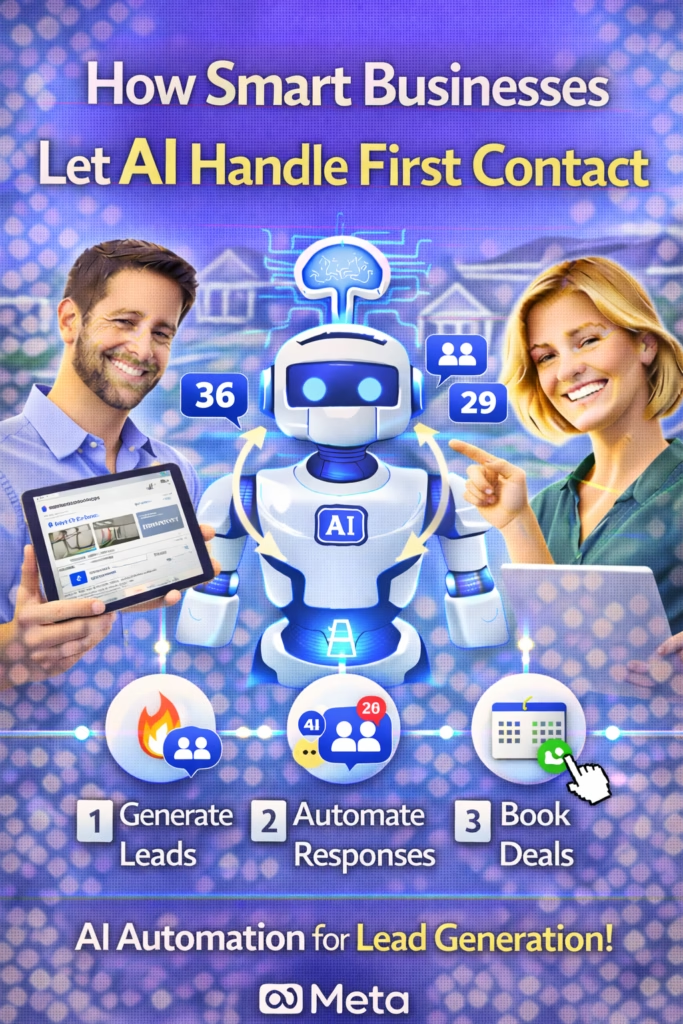
How Smart Businesses Let AI Handle First Contact
How Smart Businesses Let AI Handle First Contact is a repeatable system to respond instantly, qualify leads, and route conversations to booking—without sacrificing trust.
Note: This is general guidance. Follow platform rules, privacy laws, and messaging consent requirements. Use clear disclosures where needed.
Introduction
How Smart Businesses Let AI Handle First Contact is becoming the default play because customers don’t wait anymore. Whether it’s a quote request, “Is this available?”, “What’s the price?”, or “Can I book today?”—the first business to respond usually wins the conversation.
But most teams can’t respond instantly 24/7. That gap is where AI becomes the advantage: it handles the first response, asks a few key questions, and routes the lead to the right next step—before the prospect moves on.
Big idea: AI doesn’t replace your sales team. It replaces the dead time between inquiry and response.
Expanded Table of Contents
- 1) What “AI first contact” actually is
- 2) Why speed-to-lead beats budget
- 3) Where AI should handle first contact (channels)
- 4) The 4 core first-contact flows that cover 80% of inquiries
- 5) The only questions AI should ask up front
- 6) Routing rules: when to book vs quote vs human handoff
- 7) Copy/paste scripts for first response
- 8) Objection handling without sounding robotic
- 9) Human handoff SOP (so nothing falls through)
- 10) Quality control: guardrails, tone, and accuracy
- 11) KPIs that prove the system is working
- 12) 30–60–90 day rollout plan
- 13) 25 Frequently Asked Questions
- 14) 25 Extra Keywords
1) What “AI first contact” actually is
AI first contact is a structured set of behaviors that happen the moment a new lead arrives:
AI does the first 60 seconds
- Responds instantly (seconds)
- Confirms it can help
- Asks 1–3 qualifying questions
- Offers a next step (book / quote / info)
Humans do the high-trust moments
- Custom quoting and negotiations
- Complex objections or edge cases
- High-ticket closes
- Exceptions and special requests
Best framing: AI is your “front desk” and “first responder” across every channel.
2) Why speed-to-lead beats budget
Most businesses try to solve lead volume first. Smart businesses solve lead response first.
Because if your response time is slow, more ads just means more wasted leads. AI first contact fixes the conversion leak by catching the lead while intent is highest.
The conversion leak (common)
Lead arrives → no reply for 2–6 hours → prospect messages 2–3 competitors → the first fast responder winsRule: When response time drops, booking rates rise—even if traffic stays the same.
3) Where AI should handle first contact
AI first contact works best where leads show high intent and expect fast answers:
| Channel | Typical first message | AI goal |
|---|---|---|
| Facebook Marketplace / Messenger | “Is this available?” | Qualify + convert to call/booking |
| Website chat | “How much is it?” | Collect details + book consult |
| SMS | “Can you do it today?” | Schedule + confirm location |
| Google Business Messages | “Are you open?” | Provide info + route to booking |
| Inbound calls (AI receptionist) | “I need a quote” | Gather essentials + handoff |
Tip: Start with the channel where you miss the most leads (usually after-hours messages).
4) The 4 core first-contact flows that cover 80% of inquiries
Most inbound conversations fall into four categories. Build these flows and you cover almost everything.
Flow A: Availability
Confirm it’s available, ask one qualifier, offer next step.
Flow B: Pricing
Give a range or “depends on X” with 2–3 data questions.
Flow C: Booking
Offer time windows, collect contact info, confirm details.
Flow D: Support / Info
Answer FAQs, set expectations, route to team if needed.
Rule: Every flow ends with a clear CTA and a simple question.
5) The only questions AI should ask up front
AI first contact should ask as few questions as possible—but the right ones.
The 3-question framework
- What are you looking for? (service/product)
- Where are you located? (city/zip)
- When do you need it? (today/this week/this month)
Why this works: It qualifies intent and routes the lead without overwhelming them.
6) Routing rules: when to book vs quote vs human handoff
The power of AI first contact is routing. It sends each lead to the best next step automatically.
| If the lead asks… | AI should… | Then route to… |
|---|---|---|
| “How much?” | Ask 2 qualifiers + provide range | Quote form or consult booking |
| “Can I book?” | Offer time windows + confirm details | Calendar booking or team scheduler |
| “Is this available?” | Confirm + ask location + timeline | Sales script or call/text CTA |
| Complex request | Acknowledge + collect basics | Human handoff with context |
Rule: AI should never “wing it” on policy or pricing details. If uncertain, it routes.
7) Copy/paste scripts for first response
Script 1: Universal first reply (works everywhere)
Hey! Yes — I can help ✅
Quick question so I send the right info:
What city/zip are you in, and are you looking to do this (A) today, (B) this week, or (C) later?
Script 2: “Is this available?” (Marketplace)
Yes — it’s available ✅
Are you looking for pickup/booking today or sometime this week?

What city/zip are you in? I’ll confirm the fastest options.
Script 3: Pricing opener (without sounding evasive)
I can help ✅ Pricing depends on a couple quick details.
1) What exactly do you need?
2) What city/zip are you in?

Once I have that, I’ll send the best price options.
Script 4: Booking CTA (choice-based)
Perfect ✅ I can get you scheduled.
Do you prefer:
1) Today/Tomorrow
2) This weekend
3) Next week

Reply 1/2/3 and I’ll send time options.
Pro move: Make the response feel human: short, confident, and always ending in a question.
8) Objection handling without sounding robotic
AI can handle basic objections if it stays calm, helpful, and option-based.
“That’s too expensive”
I get it ✅
Do you want the lowest price option, or the best value/quality option?

What budget range are you trying to stay under?
“I’m just looking”
No problem ✅
What are you comparing right now — price, speed, or quality?

Tell me your top priority and I’ll point you to the best option.
“Can a real person call me?”
Absolutely ✅
What’s the best number to reach you, and what time window works best today?
Tip: For anything sensitive, regulated, or unclear—route to a human.
9) Human handoff SOP (so nothing falls through)
AI first contact only works if handoffs are clean and fast.
Handoff checklist
- Lead name (if available)
- City/zip
- Need (service/product)
- Timeline
- Any constraints (budget, availability, preferences)
- Conversation transcript summary
Rule: If AI routes to a human, the human should have everything needed to act immediately.
10) Quality control: guardrails, tone, and accuracy
Great AI first contact is controlled. The goal is consistent performance.
Guardrails that prevent brand damage
- Approved answers only for pricing, policies, and availability
- Escalation triggers for complaints, refunds, sensitive topics
- Disclosure rules where required (“automated assistant”)
- Fallback line when uncertain: “I can connect you with a specialist.”
Best practice: Train AI on your FAQ, service areas, hours, pricing ranges, and booking rules first.
11) KPIs that prove the system is working
| KPI | What it measures | Why it matters |
|---|---|---|
| First response time | Speed | Primary conversion lever |
| Qualification rate | How many provide basics | Shows script effectiveness |
| Booking rate | Appointments set | Revenue pipeline metric |
| Handoff completion | Team follow-through | Prevents lead loss |
| Customer sentiment | Trust and tone | Protects brand perception |
Truth: If response time drops to seconds, your lead waste usually drops immediately.
12) 30–60–90 day rollout plan
Days 1–30 (Launch the first-contact core)
- Define the 4 core flows (availability, pricing, booking, support)
- Write the 10–20 most common scripts and FAQs
- Set routing rules and escalation triggers
- Enable instant replies across your highest-intent channel
- Track response time + qualification rate weekly
Days 31–60 (Increase conversion)
- Improve scripts based on where leads drop off
- Add objection handling blocks
- Refine routing (book vs quote vs handoff)
- Standardize team handoff response SLAs
Days 61–90 (Scale across channels)
- Expand AI first contact to additional channels
- Add advanced qualification for high-ticket leads
- Build a weekly optimization loop (scripts + routing)
- Measure bookings and revenue attribution
13) 25 Frequently Asked Questions
1) What is AI first contact?
AI first contact is an automated first response that greets, qualifies, and routes new inquiries instantly.
2) Does AI first contact replace my staff?
No. It reduces missed leads and handles initial steps; humans handle complex or high-trust conversations.
3) What’s the biggest benefit?
Speed-to-lead—responding instantly keeps the prospect engaged.
4) What channels work best?
Messenger, Marketplace, SMS, website chat, and Google messages are common high-intent channels.
5) What should AI say first?
Confirm it can help, then ask a simple qualifier question (location + timeline).
6) How many questions should AI ask?
Usually 1–3. Keep it short.
7) How does AI qualify leads?
By collecting service need, city/zip, and timeline before routing.
8) Can AI book appointments?
Yes, if you connect scheduling rules and time options.
9) What if the AI isn’t sure?
It should route to a human rather than guessing.
10) Will people know it’s AI?
Some will, some won’t. Use disclosures where required and keep tone human.
11) Can AI handle objections?
Basic objections, yes—especially with choice-based options.
12) What’s the best objection style?
Short, calm, helpful, and ends with a question.
13) How do I prevent robotic messages?
Use natural language, short sentences, and avoid heavy formatting.
14) What’s a good handoff trigger?
Complex pricing, complaints, special requests, or anything policy-sensitive.
15) What info should AI pass to a human?
Need, location, timeline, budget context, and transcript summary.
16) Does AI help after-hours leads?
Yes—this is one of the biggest wins.
17) Can AI reduce missed calls?
Yes—AI can answer, gather details, and schedule callbacks.
18) What if a lead wants a real person?
Offer a call back and collect the best time window.
19) Is AI first contact good for high-ticket sales?
Yes—because it filters and routes qualified prospects faster.
20) What KPI matters most?
First response time.
21) What’s a healthy response time target?
Seconds to under 1 minute is excellent; under 5 minutes is good.
22) How do I measure success?
Qualification rate, booking rate, and handoff completion.
23) Will AI annoy customers?
Only if it’s spammy or over-asks. Keep it brief and helpful.
24) Can AI handle support questions too?
Yes—basic FAQs are ideal for AI first contact.
25) What’s the fastest improvement I can make today?
Deploy an instant reply that asks city/zip + timeline and offers a clear next step.
14) 25 Extra Keywords
- How Smart Businesses Let AI Handle First Contact
- AI handle first contact
- AI first response system
- AI lead qualification
- automated customer messaging
- speed to lead AI
- AI appointment booking
- AI sales assistant first message
- AI customer service automation
- AI chat automation for leads
- AI Messenger auto reply
- Facebook Marketplace auto responder
- website chat AI for businesses
- SMS autoresponder AI
- AI lead routing workflow
- AI handoff to human SOP
- AI objection handling scripts
- automated inbound lead response
- 24/7 lead response system
- AI booking assistant
- reduce missed leads with AI
- first contact automation playbook
- lead conversion automation
- AI intake questions
- AI customer engagement system













